Lab Instrument Data Automation for a Biotech
Prevvi Team
Client
A venture-backed biotechnology company in Greater Boston
Industry
Life Sciences
What was delivered
- Instrument data workflows
- Scheduled file-copy automation
- Windows file shares and SMB
- Centralized cloud storage
- SOPs and user documentation
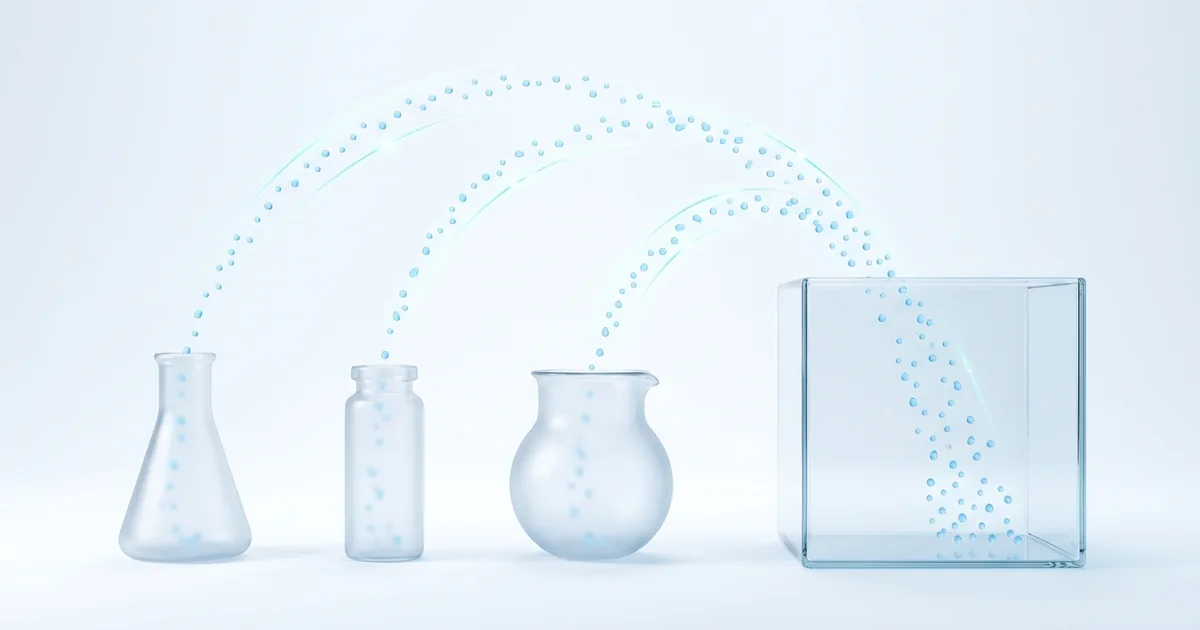
Laboratory instruments generate some of the most valuable data a biotech owns, and some of the easiest to lose. Readings live on the instrument PC, on a USB stick, or on an iPad until someone remembers to move them. For this engagement, a venture-backed biotechnology company asked Prevvi to make instrument data flow into centralized company storage automatically, so scientists could focus on science instead of file management. It is a pattern from our broader IT services for biotech and life sciences practice that applies to almost any lab.
The challenge
The client’s lab ran a typical mix of bench instruments: a NanoDrop One spectrophotometer, a Qubit 4 fluorometer, and an Echo microscope paired with an iPad for image capture. Each produced data in its own way, and each depended on a scientist manually exporting files and copying them somewhere safe.
That created three recurring problems:
- Manual file handling. Every export was a hand-run chore. Busy scientists batched it up or skipped it, so data sat on instrument workstations for days.
- Inconsistent storage. Without a single defined destination, files landed in personal folders, local drives, and ad-hoc shares. Finding last month’s readings meant asking around.
- Data-loss risk. An instrument PC is not a safe long-term home for scientific data. A failed drive or a reimaged workstation could take irreplaceable readings with it.
What we delivered
Prevvi designed and implemented secure, repeatable workflows that move data from each instrument into the company’s centralized Egnyte cloud storage without relying on anyone remembering to do it.
The work included:
- Export workflows for NanoDrop One data, Qubit 4 transfers, and Echo microscope image capture from the paired iPad
- Windows file shares with SMB configured so instrument workstations could write to a controlled network location
- Scheduled file-copy automation that sweeps instrument folders into central storage on a fixed cadence
- Duplicate-file handling so repeated syncs never create conflicting copies
- Static IP addressing and workstation configuration so lab machines stay reachable on the segmented lab network
- Written SOPs and plain-language user instructions for every workflow
How we approached it
Start with how scientists actually work
Automation that fights the lab loses. Before touching configuration, we walked each instrument’s real workflow with the people who use it: where the export lands, what the file names look like, and when the machine is busy running samples. The automation was then shaped around those habits, sweeping files on a schedule instead of asking anyone to change how they run the instrument.
Make the pipeline boring and observable
Each instrument workstation writes to a known local folder. A scheduled job copies new files to the SMB share, and from there they sync into Egnyte. Duplicate handling means a re-run never overwrites or forks data. Because every hop is a plain file operation, any IT person can inspect and troubleshoot the pipeline without specialist tooling.
Document it so it survives staff changes
Every workflow shipped with an SOP: what runs, when, where files land, and what to check if something looks wrong. In a growing biotech, the person who set up an instrument is often not the person using it a year later. Documentation is what turns a clever setup into a durable system.
Why lab data automation matters
If you run a lab, this pattern applies well beyond these three instruments:
- Scientific data is evidence. Whether for internal decisions, publications, patents, or a future regulatory submission, raw instrument output needs to be complete, findable, and safe.
- Manual copying is a silent failure mode. Nobody notices a missed export until the data is needed. Automation converts an invisible human dependency into a visible, checkable system.
- Central storage unlocks everything else. Backup, retention policies, access control, and search all become possible only after data reliably lands in one governed place.
The outcome
Instrument data now flows into centralized storage on its own. Manual file handling dropped away, storage became standardized and searchable, and the risk of scientific data being lost or stored inconsistently fell sharply. Just as importantly, the workflows are documented, so the system does not depend on any single employee or on Prevvi being in the room. Ongoing care for the pipeline folds into standard managed IT services rather than requiring a specialist on call.
Key takeaways
- Automate around existing lab habits, not against them.
- Use simple, inspectable building blocks: file shares, scheduled copies, one governed destination.
- Handle duplicates deliberately so re-runs are always safe.
- Write the SOP. The lab you automate today will have different staff next year.
Frequently asked questions
The reliable pattern is simple building blocks: each instrument workstation writes exports to a known local folder, a scheduled job copies new files to a controlled network share over SMB, and the share syncs into centralized cloud storage. Duplicate handling makes re-runs safe, and static IP addressing keeps instrument PCs reachable on the lab network.
Instrument workstations are not safe long-term storage. A failed drive, a vendor reimage, or a stolen laptop can erase irreplaceable raw data, and files scattered across instrument PCs are impossible to back up, search, or govern. Centralized storage is what makes backup, retention, and access control possible.
Not when the automation is designed around the lab. Sweeping files on a schedule from a local export folder requires no change to how scientists run the instrument and no software on the acquisition path, so runs are never interrupted.
Most bench instruments that write files to a local disk or paired device can be automated. This project covered a NanoDrop One spectrophotometer, a Qubit 4 fluorometer, and an Echo microscope with iPad image capture, but the same file-sweep pattern applies to plate readers, qPCR machines, and similar instruments.
It is typically a short, fixed-scope engagement rather than a large project, because the building blocks are file shares, scheduled jobs, and existing cloud storage. The main cost drivers are the number of instruments and whether the lab network needs remediation first. Talk to us for a scoped estimate.
Have a similar project in mind?
Talk to a real engineer about your environment: no sales script, just straight answers on how we would approach it.